
 Download the plugin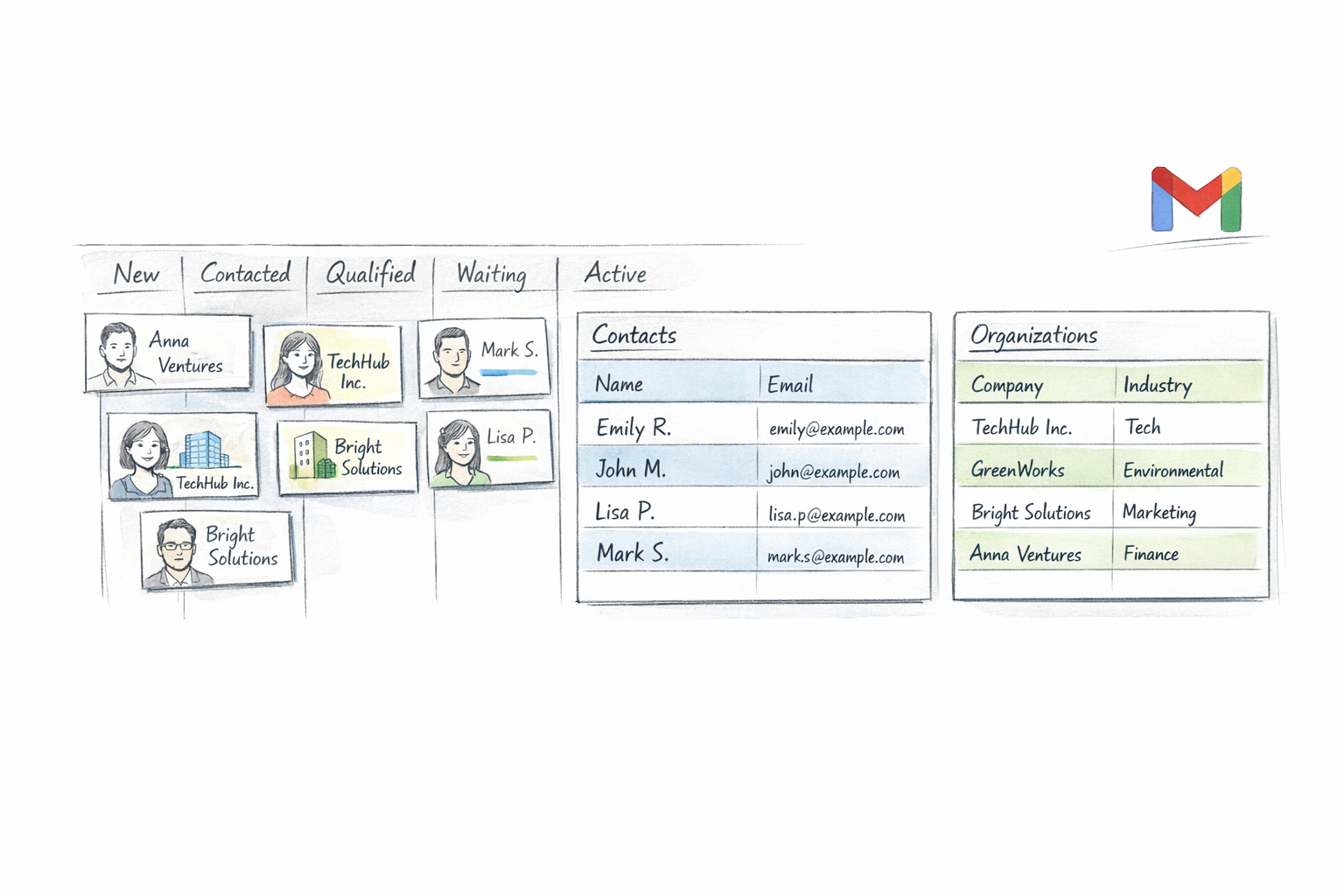
Sales CRM
Google Contacts CRM: How to Turn Google Contacts Into a Usable Sales System
Google Contacts is a solid contact layer, but it is not a full CRM. This guide explains what needs to be added to make it usable for a small team.


Start with the contacts you already have, add the context your team actually needs, and manage customer relationships with shared pipelines, ownership, notes, tags, comments, attachments, and custom fields.
Trusted by 1,000+ Google Workspace users.
Fully integrated within your Google Workspace.






Work next to Gmail instead of in a separate CRM tab. Start from your Google-friendly contact workflow and keep richer CRM context where your team already works.

Move contacts and organizations through visual pipelines with drag-and-drop stages that keep follow-up simple and visible.
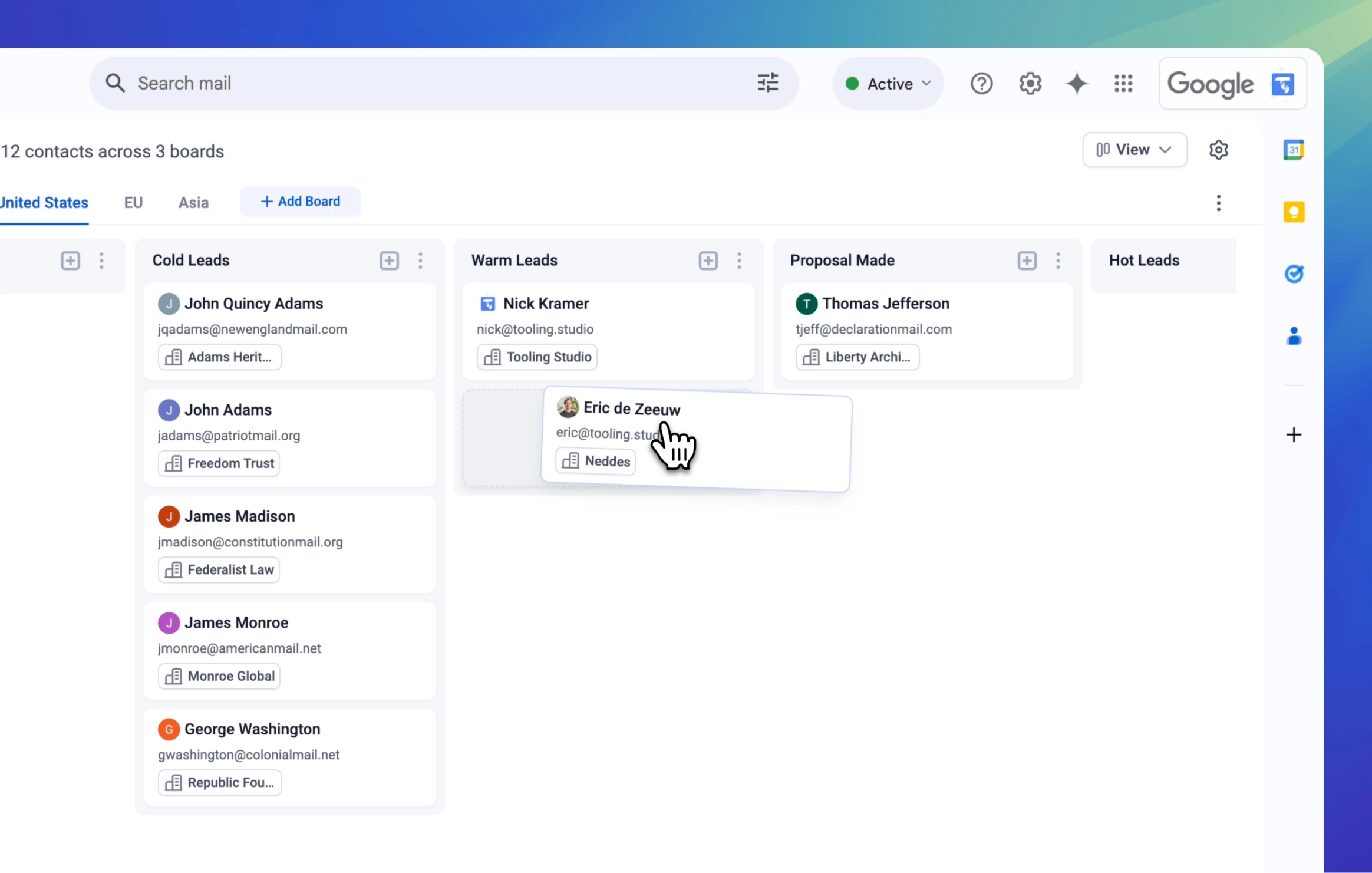
Start from Google Contacts, then add tags, notes, ownership, and pipeline context without rebuilding your contact list from scratch.

Work together on pipelines, contacts, and organizations with shared visibility, ownership, and real-time updates.

Tailor the CRM to your workflow with custom fields, tags, and detailed records that keep the right context attached to every relationship.

Access rich metadata for every contact and organization. Add comments, attachments, and notes so your team has the full story in one place.
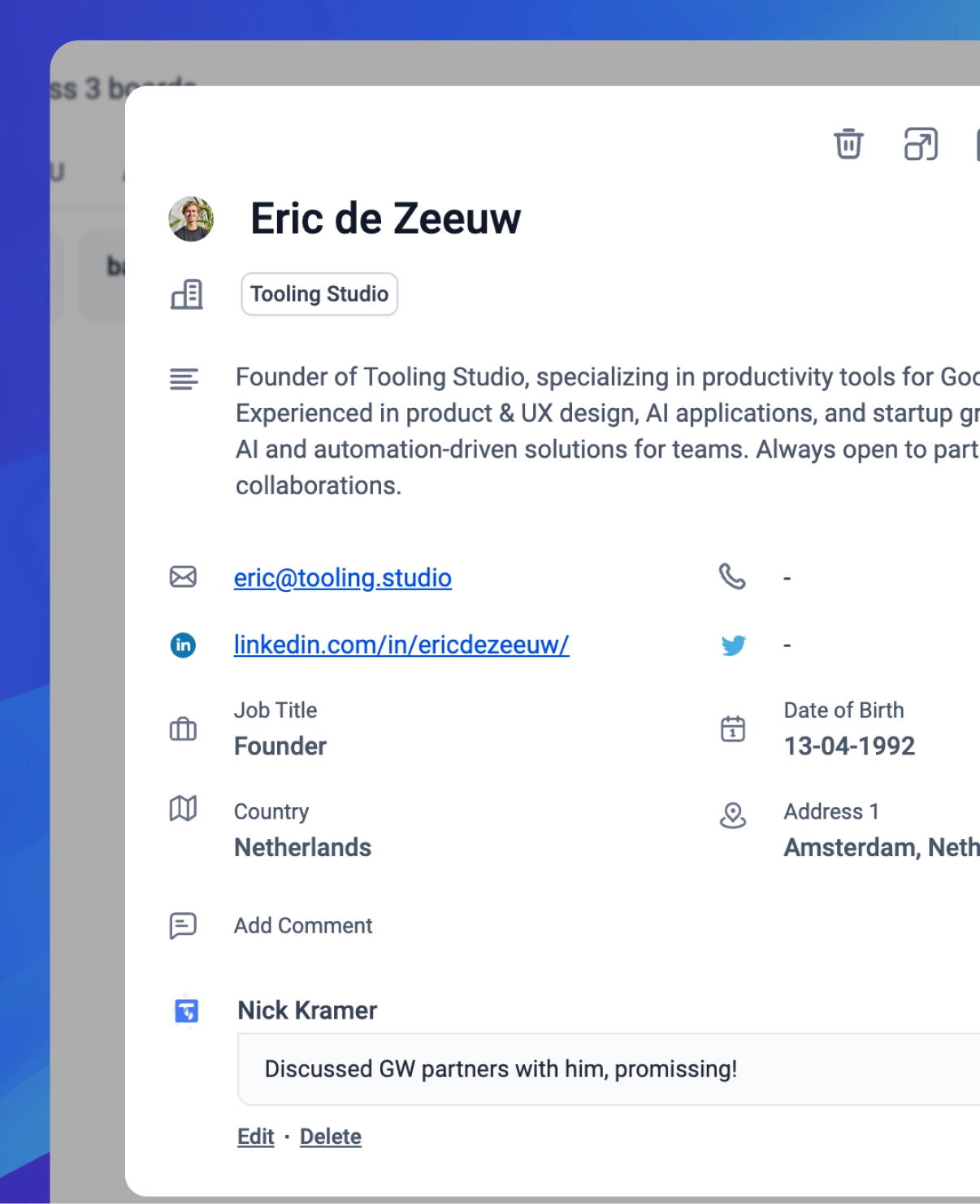
You're already using Google Workspace for email, calendar, and meetings. Sales CRM adds shared contact management, organizations, and visual pipelines in that same familiar environment, so your team can stay on top of customer work without adopting a heavyweight enterprise CRM.
Get started for free and upgrade when you’re ready to collaborate and scale.
| Features | Personal $0 per month All the essentials for solo users – completely free | Teams $5 per user per monthUnlock collaborative selling features for your whole team |
|---|---|---|
| Organize Your Contacts | ||
Unlimited Contacts Store as many contacts as you need without limits | ||
Unlimited Organizations Create unlimited company records linked to contacts | ||
Unlimited Pipelines Set up multiple sales pipelines for different workflows | ||
| Work the Pipeline | ||
Embedded in Google Workspace Work directly inside Gmail, Calendar and more | ||
Google Contacts Import Start from the contacts you already keep in Google | ||
Custom Fields & Tags Enrich contacts with tailor-made data points and labels | ||
Notes & Comments Capture every interaction and collaborate with your team | ||
Visual Pipelines Move contacts and organizations through intuitive pipeline stages | ||
Reminders & Notifications Never miss a follow-up with automated alerts | ||
Attachments Attach proposals, contracts, or any files to contacts and organizations | ||
Filters & Segments Slice and dice your data to focus on the right prospects | ||
Drag-and-Drop Stage Updates Move records across stages with a single gesture | ||
Table Views Switch to structured table views for contacts and organizations | ||
| Collaborate Effectively | ||
Shared CRM Give your entire team real-time access to customer data | - | |
Assign Contacts & Organizations Delegate ownership and keep accountability clear | - | |
Related guide
This guide gives the CRM landing page a clean pillar page that explains the category in Google Workspace terms and then routes users back into Sales CRM.
Sales CRM
Google Contacts is a solid contact layer, but it is not a full CRM. This guide explains what needs to be added to make it usable for a small team.
Find answers to the most common questions about Sales CRM.
Explore related FAQs: